Address
304 North Cardinal
St. Dorchester Center, MA 02124
Work Hours
Monday to Friday: 7AM - 7PM
Weekend: 10AM - 5PM
Address
304 North Cardinal
St. Dorchester Center, MA 02124
Work Hours
Monday to Friday: 7AM - 7PM
Weekend: 10AM - 5PM

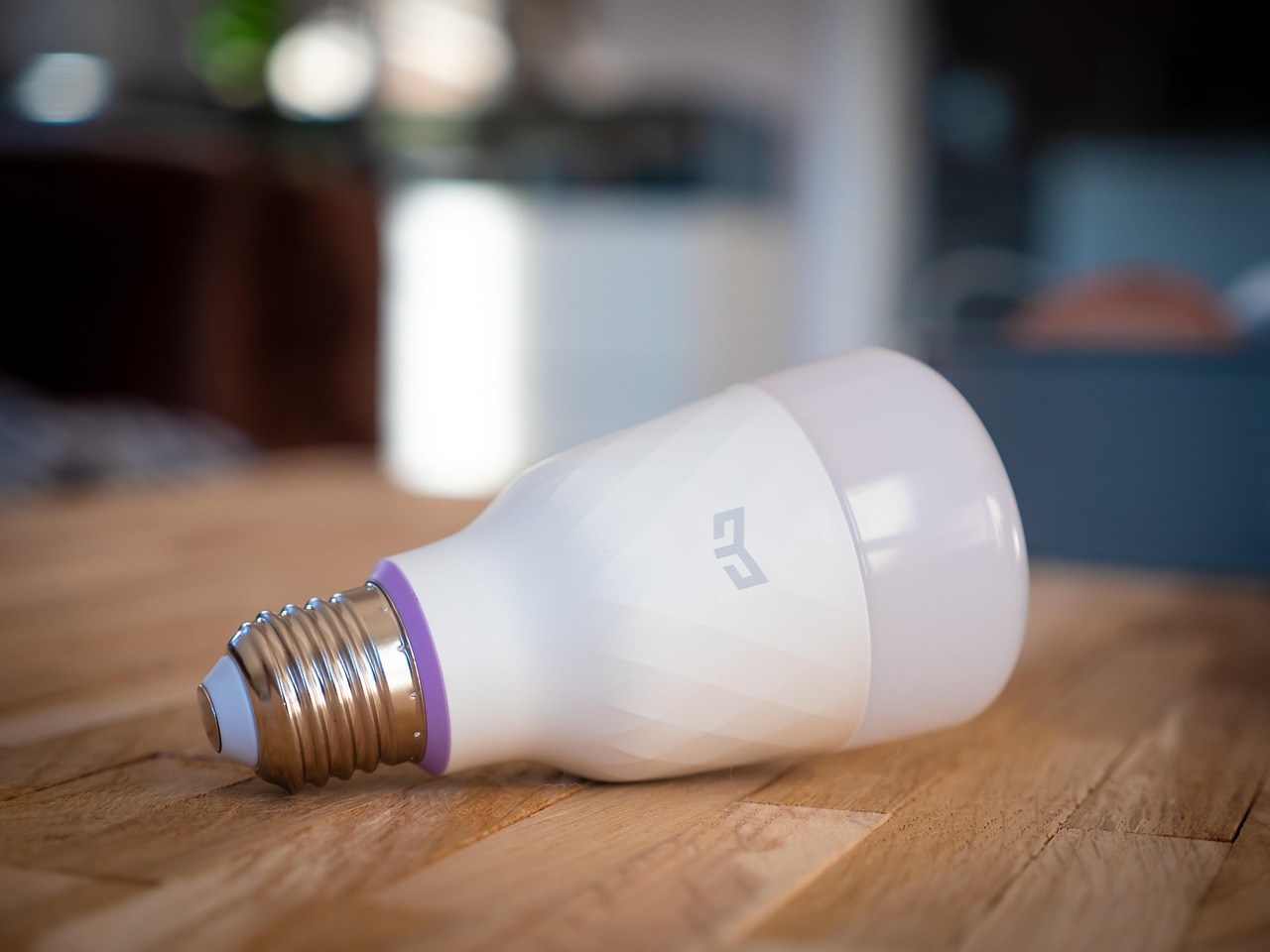
It is a connected group of devices that receives signals, checks rules, and sends commands to another device. Your hallway light can turn on after sunset because a motion sensor detected movement and a controller sent a command without requiring a phone tap.
This explanation covers equipment, wireless connections, routines, costs, privacy, and reliability for anyone planning a practical setup around a real household need.
A phone-controlled lamp is convenient, yet it becomes part of a larger setup only after it responds to information from another device in your home. Smart lighting, smart locks, cameras, smart thermostats, appliances, and smart sensors share status through a Wi-Fi network, a hub, or both.
Your setup needs four basics: solid network coverage, compatible wireless devices, a control platform, and a task worth solving. A Wi-Fi router carries traffic for many devices, while a smartphone app, wall control, smart speaker, or controller gives you a place to set preferences.
Remote control starts with a direct command. You tap your phone to lock a door, change a thermostat setting, or switch off a lamp from bed. That command reaches the device through its app, hub, or cloud account.
Automation starts with an event, schedule, or condition. A motion sensor reports movement, the controller checks whether sunset has passed, and selected lights switch on without a manual command. That chain shows how home automation works in a home with connected devices.
That distinction helps you avoid filling your home with separate app-controlled gadgets that cannot share useful routines. The next layer is the equipment that moves a sensor signal to the device that responds.
A door contact about the size of a marker cap can start a chain involving a hub, router, phone alert, and camera recording. Each part handles one job, and your setup is easier to troubleshoot once you know where a command starts and where it stops.
| Part | Role in your home | Example result |
|---|---|---|
| Sensor | Your sensor detects a physical change. | Your water sensor reports moisture beneath a washing machine. |
| Actuator | Your actuator performs a physical action. | Your smart lock engages its motor and secures the deadbolt. |
| Hub or controller | Your controller receives events and runs rules. | Your hub turns on entry lights after a motion event. |
| Router | Your router carries Wi-Fi traffic and internet access. | Your phone reaches a camera while you are away. |
| App or wall control | Your controls show status and accept direct commands. | Your wall keypad starts a bedtime scene. |
| Cloud service | Your cloud account handles remote features and data services. | Your camera sends an alert with a recorded clip. |
Smart sensors collect information from the physical space around them. A motion sensor detects movement, a contact sensor reports an open window, and a smart thermostat reads room temperature. Occupancy sensors add detail by estimating whether a room is in use rather than recording a brief pass-through.
Room brightness matters because it stops a lighting routine from starting in daylight. Water detection serves a different purpose: your phone can receive an alert before a slow leak reaches drywall, flooring, or stored belongings.
Lights, plugs, shades, locks, sirens, cameras, and thermostats are output devices. Your smart home security setup can record video after a door opens, while climate equipment can lower heating or cooling during an away period.
Smart speakers and voice assistants add another command path. Google Home can send a spoken instruction into your selected platform, while a wall switch remains useful for guests and for times your phone is charging in another room.
Every response follows a rule rather than magic. A single event works for a basic routine, yet steady behavior depends on separating the event from the limits placed around it.
At 8:42 p.m., a motion sensor near your back entry detects movement and sends a small data packet to its controller. The controller checks the routine, confirms that sunset has passed, and sends a command to two lights. Within moments, the path is lit.
A trigger starts the process. Motion detected, 7:00 a.m., a front door unlocking, or a thermostat reaching 76 degrees can serve as triggers. Your trigger tells the controller that something changed.
A condition narrows the response. “After sunset,” “only while away,” and “only while nobody is asleep” stop bathroom lights from turning on at noon or a security alert from sounding during a planned arrival.
An action is an instruction sent to a device. A scene is a saved group of settings, like dimming three lamps and lowering shades for a movie. A routine links a trigger, conditions, and one or more actions, then runs that sequence without direct input from you.
App commands, timers, wall controls, and voice requests can launch scenes. Sensor-driven routines react to a change in your home rather than waiting for you to spot it.
The back-entry routine works because the sensor and lights have a communication path that your controller understands. Wireless protocols set that path and affect battery life, range, response time, and device compatibility.
| Technology | Connection style | Where it fits your setup |
|---|---|---|
| Wi-Fi | Your device joins your router directly. | Your cameras, displays, plugs, and several appliances use Wi-Fi. |
| Bluetooth | Your device links at short range to a phone or nearby controller. | Your lock setup and nearby accessories can use Bluetooth. |
| Zigbee | Your low-power devices form a mesh through repeating devices. | Your bulbs and sensors can preserve battery life with a hub. |
| Z-Wave | Your low-power mesh uses a separate smart-home radio system. | Your locks, sensors, and alarm parts can use a compatible hub. |
| Thread | Your low-power mesh uses a border router for network access. | Your newer sensors and controls can communicate locally. |
| Ethernet | Your device uses a wired network cable. | Your fixed hub, bridge, or camera gains stable network access. |
Matter is an interoperability standard rather than a wireless protocol. Your Matter device can use Wi-Fi, Thread, or Ethernet below that software layer, while Matter gives platforms a shared method for setup and control.
Feature access still differs across platforms. Your platform may show basic on-off control for a Matter light while reserving color effects, energy data, or advanced schedules for the device maker’s app. Check the exact functions you need rather than relying on the Matter label alone.
Count Wi-Fi clients before adding a large group of Wi-Fi bulbs, cameras, and plugs. Your router can become the weak link well before your internet plan reaches its speed limit.
Wi-Fi devices suit smaller setups because your phone can add them directly. Zigbee, Z-Wave, and Thread reduce battery drain and extend coverage through mesh links, yet your home needs a compatible hub or border router. That hardware choice decides where the system makes decisions.
Where decisions occur determines whether a routine still works when the internet connection drops.
A smart home hub works like an interpreter at a busy kitchen table. It receives Zigbee, Z-Wave, Thread, Bluetooth, or network messages and coordinates routines across devices that would otherwise remain in separate apps.
| Setup style | Strength for your home | Trade-off for your home |
|---|---|---|
| Hub-based | Your hub can join several protocols and run local rules. | Your setup has another device, account, and update cycle. |
| Hub-free | Your Wi-Fi devices can start with fewer physical parts. | Your devices may remain split across apps and cloud services. |
| Local control | Your supported routines run inside your home network. | Your remote features may still rely on internet access. |
| Cloud control | Your phone receives remote alerts, backups, and voice processing. | A service outage can interrupt commands or routines. |
Your smart home hub vs hub-free system choice rests on complexity rather than status. A few Wi-Fi lamps and a thermostat work well without a dedicated controller. A mix of sensors, locks, bulbs, and security gear gains value from one place that coordinates them.
Internet failure does not mean every device stops. Your local wall switches still work, and local routines can continue where the hub, device, and protocol allow it. Remote access, cloud alerts, voice processing, and cloud-only automations can stop until service returns.
Wi-Fi failure blocks devices that rely on the router, even with internet service reaching the modem. A power outage stops powered routers, hubs, lights, and most actuators unless your equipment has battery backup. Battery sensors remain powered but cannot report events without a reachable controller.
A routine earns its place by removing a repeated irritation rather than producing a clever demonstration. Your morning, bedtime, away, and leak-response routines should each solve one household problem with enough limits to avoid surprises.
Scheduled climate settings can reduce wasted heating or cooling during empty hours, though results depend on insulation, weather, household habits, and HVAC equipment. Your smart thermostat works best with modest temperature changes rather than sharp swings that force longer recovery periods.
Motion does not always mean a room needs light. Add a brightness threshold, time window, or occupancy condition before relying on a rule. Your lights should remain controllable from a normal switch because a visitor should not need your phone to use a bathroom.
Run each routine several times under real conditions. Walk past the sensor in daylight, arrive home carrying groceries, and use the wall control after automation starts. Those checks reveal poor sensor placement, slow cloud delays, and rules that conflict.
Testing one routine first exposes flaws before they become expensive whole-home commitments.
One useful sensor and one useful action reveal more about your home than a cart full of unrelated gadgets. Start with a pain point: porch lighting, a forgotten garage door, an aging water supply hose, or a room that stays too warm.
Renters can favor plug-in lamps, removable sensors, battery-powered locks, and no-drill video doorbells where property rules allow them. Your portable equipment can move with you, while hardwired equipment fits more naturally into a long-term renovation.
Homeowners can add devices room by room, starting with lighting or climate control near the main living area. Privacy-focused households can favor local control, limit microphones and cameras, and skip cloud-dependent functions that do not solve a real need.
Entry devices range from about $15 for basic plugs or sensors to several hundred dollars for cameras, locks, thermostats, hubs, and connected shutoff valves. Your total also includes batteries, electrician work for hardwired equipment, camera storage, and professional monitoring that you choose.
Cost planning should include safeguards, since every added connection expands the consequences of a failure.
A motion alert at 2:00 a.m. is useful until your phone receives 30 alerts from a poorly placed camera. Data collection, account takeover, cloud failures, weak integrations, alert fatigue, replacement batteries, and subscription charges can erode the value of your setup.
Your cameras, speakers, and doorbells can collect video, audio, device identifiers, usage history, and location-related data. Review privacy permissions during setup, disable features you do not use, and remove former household members from shared access after a move or relationship change.
Document your account owner, recovery email, device names, reset steps, and subscription status in a secure place. Your next move, sale, or router replacement becomes far less chaotic.
Select one low-risk task, confirm compatibility before purchase, and install equipment that your household will use. It works through a setup you can control, repair, and trust.
Your smart home becomes useful once a sensor, controller, and output device solve a real problem with little attention from you. Start small, favor compatible equipment, preserve manual controls, and protect each account. A hallway light that responds reliably is a stronger base than ten devices spread across separate apps and uncertain cloud services.
A smart home is a group of connected devices that share status information and respond through apps, wall controls, voice assistants, schedules, or routines. Your sensor reports a change, your controller checks a rule, and your light, lock, camera, or thermostat responds.
Your setup needs a dependable network or hub, compatible devices, a control platform, and a specific task to improve. Your phone app can handle a small Wi-Fi setup, while a hub becomes useful for mixed protocols, sensors, local routines, and wider coverage.
Your home does not need a hub for every setup. Wi-Fi lights, plugs, and thermostats can work through their own apps, but your hub can coordinate different protocols, reduce app switching, and keep supported local routines running during an internet outage.
Your local switches and device controls can still work, and supported local-control routines can continue inside your home network. Your remote access, cloud alerts, voice processing, camera uploads, and cloud-only routines can stop until internet service returns.
Your system can collect household data, rely on accounts and cloud services, produce unwanted alerts, and need updates or battery changes. Weak passwords, unsupported devices, poor Wi-Fi coverage, and incompatible apps can turn a useful routine into a frustrating maintenance task.
Your basic plug, bulb, or sensor can start near $15 to $50, while a lock, thermostat, camera, or hub can range from about $100 into several hundred dollars. Your long-term expense can include batteries, storage plans, monitoring, installation labor, and replacement hardware.