Address
304 North Cardinal
St. Dorchester Center, MA 02124
Work Hours
Monday to Friday: 7AM - 7PM
Weekend: 10AM - 5PM
Address
304 North Cardinal
St. Dorchester Center, MA 02124
Work Hours
Monday to Friday: 7AM - 7PM
Weekend: 10AM - 5PM

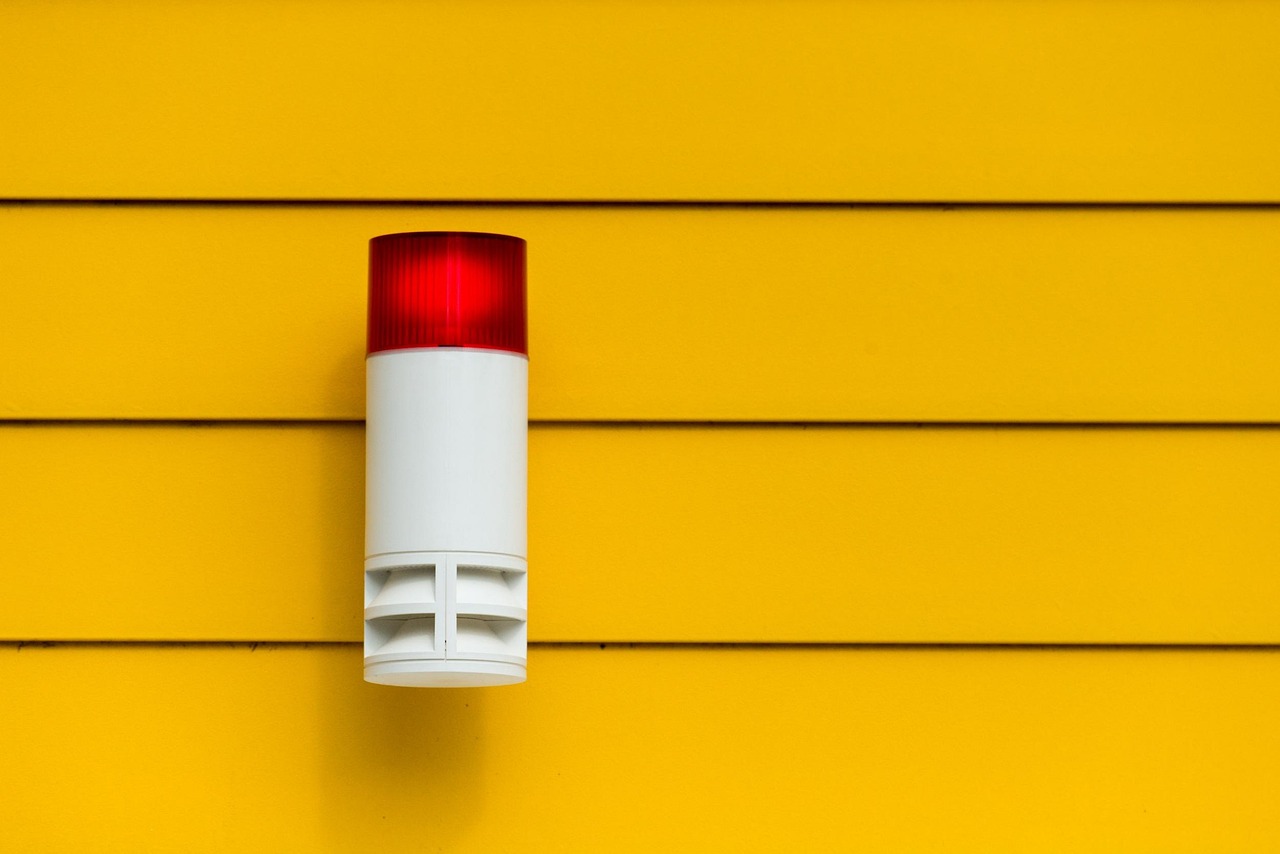
A door sensor, motion detector, smoke alarm, or water probe can start a rapid response: the control panel checks your settings, then triggers a siren, app alert, camera recording, or monitoring response. A tiny magnetic gap at your front-door frame can start that sequence.
This overview covers devices, signal paths, camera settings, coverage plans, outages, and response choices for your house, apartment, or rental.
The control panel or base station acts as the decision point for every device in your home. It receives sensor reports, tracks armed status, follows entry-delay rules, and starts an alarm sequence after a qualifying event. Your panel also stores device names, emergency contacts, and automation settings.
A keypad near the main entrance gives your household a quick way to arm or disarm before departure or arrival. Your smartphone security app gives you remote status checks, alerts, and control from outside the home. Some setups use a touchscreen panel, while others use a compact hub and separate keypad.
ADT and CPI Security pair central hubs with professional service options. Many DIY setups use self-installed wireless base stations instead. Your choice depends on the property, the equipment already in place, and how much installation work you want to handle.
Door and window contact sensors use two pieces: a magnet and a switch. Closing an entry brings them together. Opening the door or window separates them, and an armed contact sends that status change to the panel.
| Device | What it detects | What it means for your setup |
|---|---|---|
| Contact sensor | An opening door or window | Protects an entry point before movement reaches the interior. |
| Motion detector | Movement across an interior area | Covers hallways, stairs, and routes between rooms. |
| Security camera | Video and motion activity on many models | Gives you visual context and footage after an event. |
| Alarm siren | A command from the panel | Creates immediate noise inside or outside your home. |
| Smoke detector | Smoke particles or heat, depending on the model | Extends your setup beyond intrusion detection. |
| Carbon monoxide detector | Carbon monoxide gas | Warns your household about an odorless combustion hazard. |
Motion sensors watch travel routes rather than every square foot. Place yours where an intruder would need to pass, such as a central hallway or stair landing. Pet-immunity settings can reduce alerts from smaller animals, though sensor height, angle, and sensitivity still shape results.
Wired, wireless, and hybrid setups describe the route between devices and the hub. Wired equipment sends signals through low-voltage cabling. Wireless equipment uses radio links and batteries. Hybrid layouts retain existing wired contacts while adding wireless cameras, keypads, or environmental devices.
Your home security system components matter only after a signal reaches the panel and meets an alarm rule. An open contact during armed-away mode has a different result from that same contact opening while your system is disarmed.
An armed front-door contact can report an opening in a fraction of a second, but the alarm siren does not always sound at once. The panel checks the armed mode, device type, delay assigned to that door, and any automation connected to the event. Your settings decide which action follows.
Your entry delay is a planned pause rather than a system failure. A main entry can use a 30- to 60-second delay, giving you time to reach a keypad. Rear windows and side doors can use no delay because household members should not enter through those locations.
A person arriving with groceries shows why that delay exists. The front door opens, the keypad begins its warning tone, and a valid code stops the alarm sequence before the timer expires. A forced opening after midnight follows the same signal path, but no disarm command reaches the panel.
Smoke, carbon monoxide, panic, and water events do not always follow the same delay rules as an intrusion alarm. Your smoke detector can trigger an urgent local sound and remote alert while burglary protection is disarmed. A panic button can also skip the entry delay.
| Event | Common panel action | Possible follow-up |
|---|---|---|
| Entry contact opens | Runs an entry-delay or intrusion rule | Siren, app alert, recording, or monitoring contact |
| Interior motion | Checks armed state and sensor settings | Alarm sequence after a qualifying motion event |
| Smoke alarm | Uses fire alarm rules | Urgent alert and a possible fire-dispatch procedure |
| Water sensor gets wet | Marks a leak event | App warning, audible chime, or shutoff automation |
A water puck beside a washing machine can send a phone warning without sounding a siren. Your panel rules set that difference. Those rules also explain how alarm systems send alerts through Wi-Fi, Ethernet, cellular service, or a local siren.
A sensor rarely sends a message straight to your phone. It reports to the hub, and the hub uses your broadband connection or cellular communicator to send alerts, camera requests, and monitoring signals beyond the property. Your home network and alarm path can overlap, but they do not serve the same job.
| Connection | Common role | Limit for your system |
|---|---|---|
| Hardwired cable | Links fixed contacts, keypads, or panel equipment | Installation can require wall access and skilled labor. |
| Wi-Fi | Connects the hub and cameras to home internet | It stops after router power loss or broadband failure. |
| Ethernet | Gives a hub or camera a wired network path | It still depends on the router and internet service upstream. |
| Cellular service | Carries alarm signals beyond the house | It needs carrier coverage and an active service plan. |
| Z-Wave or Zigbee | Links low-power smart devices to the hub | Range changes with walls, distance, and device placement. |
| Bluetooth | Pairs nearby phones, locks, or setup tools | Its short range makes it unsuitable as the main alarm path. |
Z-Wave and Zigbee are low-power radio standards used by sensors, bulbs, locks, and switches. Your hub turns those local device messages into actions. Wi-Fi carries heavier traffic, especially camera video, while cellular backup carries short alarm messages through a separate network.
Routine activity can travel over Wi-Fi, but a serious alarm needs a route that does not depend on your router. Cellular backup adds resilience during a broadband outage. A local alarm siren remains useful with no internet connection because the hub can activate it inside the home.
Battery backup can keep a panel and battery-powered contacts active during a power loss, often for hours rather than days. Your exact run time depends on battery age, connected accessories, temperature, and panel design. Check that run time before depending on it during an extended blackout.
Check each device’s outage behavior before relying on it. A powered camera and your Wi-Fi router can go dark during a blackout even while the alarm panel still sends cellular alerts.
Cameras create the largest outage gap because they need power, network access, and storage. A camera with local storage can retain footage during an internet interruption, but it still needs power. Your router and modem need separate battery power for remote viewing during a blackout.
Those limits shape how you interpret a camera alert. Video can show what happened, but recording settings decide whether a useful clip exists. The next step is choosing the recording method that fits your property and privacy boundaries.
Because footage only helps when cameras see the right areas, recording plans must be matched with thoughtful placement.
A porch camera can capture a delivery at noon or a person approaching an entry at 2 a.m. Its behavior depends on the recording mode you selected. How security cameras work comes down to power, network access, motion settings, and where footage is stored.
Continuous recording needs steady power, storage space, and enough network capacity. Some models send video to cloud storage, while others write footage to a microSD card, network video recorder, or hub. Your retention setting controls how long clips remain available.
Event recording starts after motion, a schedule, or another alarm device activates. That setup uses less storage, but a slow motion trigger can miss the opening seconds of activity. Pre-roll footage on some equipment saves a few seconds before detected motion.
A driveway camera gives you a clear example. A motion clip can show a car entering the activity zone, while continuous footage can show where that car came from and how long it stayed. Your available bandwidth and storage arrangement decide which recording mode fits.
Motion analytics sort activity into categories such as person, vehicle, animal, or package on supported models. Activity zones limit detection to a walkway, gate, or porch edge. Your phone receives fewer alerts from passing traffic once the camera ignores a busy street.
Your cameras serve as awareness and evidence tools rather than substitutes for physical barriers or detection devices. A locked door slows entry, a contact sensor reports opening, a motion sensor catches movement farther inside, and video adds context around those layers.
That layered approach works only with deliberate placement. Covering every room with a camera is neither necessary nor wise, especially in spaces where privacy carries more weight than visual confirmation.
A sensor on the wrong window protects little, while a well-placed motion detector can watch the route between several rooms. Start with locations where entry is possible, then trace the path a person would use after crossing that threshold. Your placement plan should cover access points before interior movement.
Your front door, attached-garage door, patio door, and reachable ground-floor windows deserve close attention. Upper windows also need protection where a deck, roofline, fire escape, or adjacent structure gives access. A contact sensor is most useful where someone can reach the opening without passing another detector.
Place indoor cameras only where visual confirmation outweighs privacy concerns. A living-room camera aimed toward a doorway can show entry activity without recording bedrooms, bathrooms, or changing areas. Your privacy zones should follow that same boundary in the camera settings.
A rental setup can focus on the front door, reachable windows, one interior route, and removable wireless equipment. Adhesive-mounted contacts and battery-powered hubs avoid drilling. Check your lease before placing exterior cameras or changing shared spaces.
Daily operation works better with a routine your household can repeat under pressure. Your keypad, app, key fob, geofenced reminder, or scheduled automation can arm the system at night and disarm it on return. Review low-battery and offline-device alerts before they become a blind spot.
Placement sets detection quality, yet response decides what follows after your phone receives an alert. That difference leads directly to professional monitoring vs self-monitoring.
Your phone can receive an alert within seconds, but professional monitoring places a staffed center between the alarm and your response. Self-monitoring leaves the decision with you or another household member. Both models use the same sensors, panel rules, and communication paths.
| Response model | Who receives the alert | What your household handles |
|---|---|---|
| Self-monitoring | You and selected contacts through app alerts | Reviewing events, calling neighbors, and seeking emergency help. |
| Professional monitoring | A professional monitoring center and your selected contacts | Setting contacts, confirming procedures, and responding to calls. |
Professional monitoring can follow a sequence after an alarm arrives. Staff review the signal, attempt alarm verification through calls or app prompts, contact listed household members, and request emergency dispatch under service rules and local policy. Your provider’s procedure shapes the order and timing of those contacts.
Your choice rests on availability and responsibility. Self-monitoring can reduce monthly charges, but an alert does little while your phone is muted, out of range, or unattended. Professional coverage can help during travel, work shifts, sleep, and periods when nobody at home can act.
Alarm permits, false-alarm fines, verification requirements, and emergency-service procedures differ by city and county. Your monitoring provider cannot override a local permit requirement or a verified-event rule before police dispatch. Check municipal requirements before activation.
Confirm your local alarm-registration rules before activation. A professional monitoring center can request police, fire, or medical dispatch, but public-safety agencies control their own response procedures.
Fire and carbon monoxide signals can carry a different urgency from burglary signals. Your contact list should include a person who can reach the home, a neighbor with access where appropriate, and clear instructions for pets or mobility needs.
Monthly monitoring is only part of the trade-off. Equipment, storage, installation limits, and privacy rules also shape whether your system fits the property.
A large two-story house, a studio apartment, and a rental with strict lease rules need different equipment plans. Your property layout sets the number of openings, interior routes, cameras, and environmental risks worth covering. Home security system costs and features extend beyond starter hardware.
Your budget can include installation labor, replacement batteries, cloud video storage, cellular service, and professional monitoring fees. A wired retrofit can require access behind walls. Wireless gear avoids that wall work, but your devices need periodic battery care.
DIY vs professionally installed security systems is less about skill and more about property conditions. Your wireless setup suits a renter or simple layout. Professional installation fits a larger home, existing wired contacts, difficult camera runs, or a household that wants another party to mount and configure equipment.
False alarms waste time and can lead to local fines. Pet movement, loose contacts, open windows, cooking smoke, weak batteries, and rushed departures can trigger them. Your household needs a short routine before each armed period.
Your security app and camera account deserve the same care as a banking login. Use a unique password, turn on two-factor authentication, remove guest access that no longer serves a purpose, and install firmware updates. Restrict recording retention to the period that fits your needs.
Visible cameras, signs, lighting, and an alarm siren can discourage an opportunistic intruder by raising the chance of detection. No system stops every break-in. Strong door hardware, locked windows, careful key control, and awareness around your block still carry weight.
Your protection works as a chain: a device detects a change, the panel judges it against your settings, a communication path carries the alert, and you or a professional monitoring center acts. The weak point is rarely dramatic. It is more likely an unprotected door, dead battery, missed alert, poor camera angle, or account left open after a guest no longer needs access.
Check the route from the entry point to the panel, then from the panel to your phone or monitoring center. That simple review shows where your setup needs a contact sensor, battery backup, better camera coverage, or a clearer household routine.
Most setups fall into three broad categories: wired, wireless, and hybrid systems. Wired systems use low-voltage cables between devices and a panel; wireless systems use battery-powered radio devices; hybrid systems retain wired equipment while adding wireless sensors, cameras, or smart home controls for your property.
A triggered device sends a status change to your control panel. Your panel checks the armed mode, delay, and rule for that device, then can sound the alarm siren, send mobile notifications, start camera recording, or report the event to professional monitoring.
Your system detects a break-in through door and window contact sensors, motion sensors, glass-break devices on supported setups, and camera motion alerts. An armed contact reports an opening, while an interior motion sensor reports movement along a hallway, stairway, or room entrance.
A professional monitoring center receives an alarm signal and follows the service procedure connected to your account. Staff can attempt alarm verification, contact your listed household members, and request police, fire, or medical dispatch under local policy and the event type.
Wired systems use low-voltage cabling between devices and the control panel. Wireless systems use battery-powered radio devices. Smart home security systems connect selected lights, locks, thermostats, cameras, and sensors to app controls or programmed routines through the hub.
No. Your camera can record continuously, after detected motion, on a schedule, or after another device reports an alarm. Continuous recording needs steady power, storage, and network capacity, while event clips use less storage but can miss activity outside the trigger window.